
How do I Log in to the Portal?
Logging into the Portal
1. Access the Portal login page at portal.fortifieddata.com
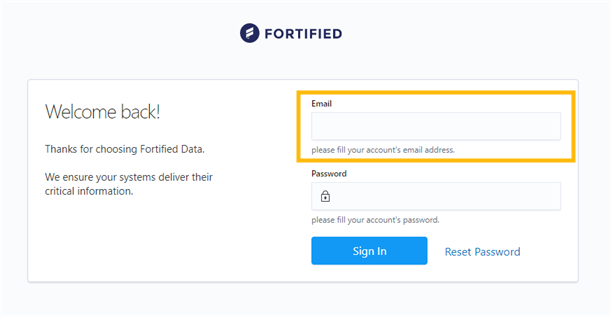
2. Enter the email address of the user.
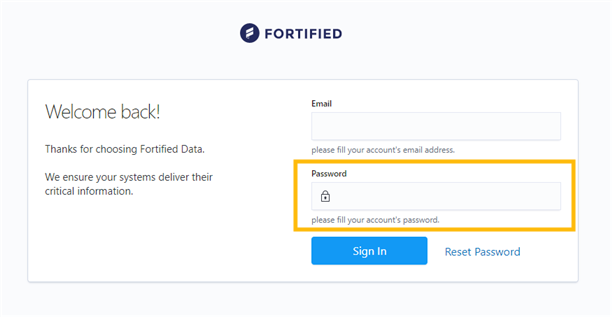
3. Enter the user password.
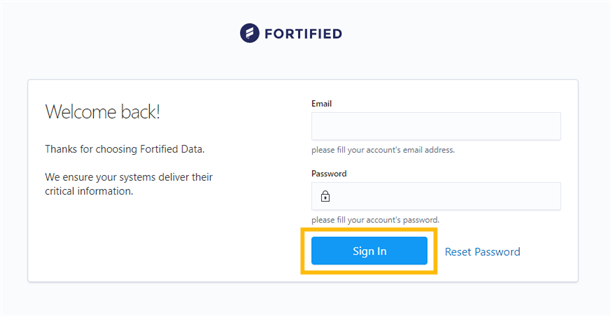
4. Click the "Sign In" button.
5. From here, you may be prompted to enter your preferred verification method (SMS, Okta, Authenticator). Please follow the prompt on your screen.
Questions or comments? Contact support@fortifieddata.com