How Do I Use Column and Density Options on a Grid?
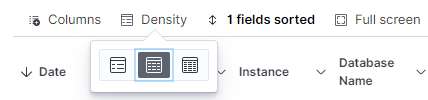
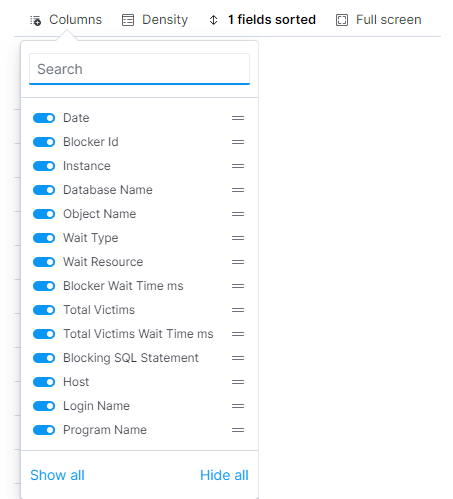
Columns can be added and removed using the column option on grids. In addition, the column density in the grid can be customized with the density option.
The goal of the column and density options on a grid is to allow for additional customization of the grid view to ease the reviewing of data.
Columns can be added/removed by toggling the column name displayed in the dropdown list. Click and drag the column name using the line icon to reorganize the order of columns on the grid.
Click Density and select an option to customize the density of the grid.