
Day of Week and Time of Day cards group data together based on the time of the day and the day of the week.
Day of Week and Time of Day cards display how many events happened during specific days/times. Days that have the number zero in them indicate that zero events happened during that day of the week/time of day included in the date range selected in the date selector. Days that are greyed out indicate that there are no results included in the date range selected in the date selector.
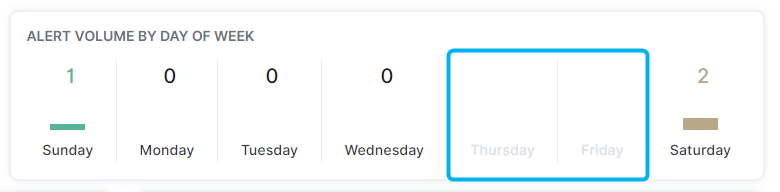
Clicking on a numeric value in the Day of Week or Time of Day card will add that day of week or time of day to the page filter.