- Fortified Data
- Environment
- Instances
Where Can I See the Total Amount of Memory Across My Enterprise?
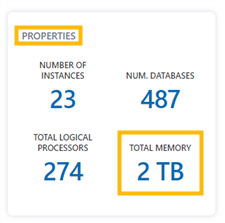
The total amount of memory across the user's enterprise is displayed on the "Properties" card in the "Properties" section on the "Instances Overview" page.
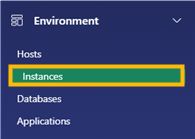
1. In the "Environment" section of the Navigation menu, select "Instances".
2. Under the "Properties" section, the "Properties" card displays the total amount of memory across the user's enterprise.