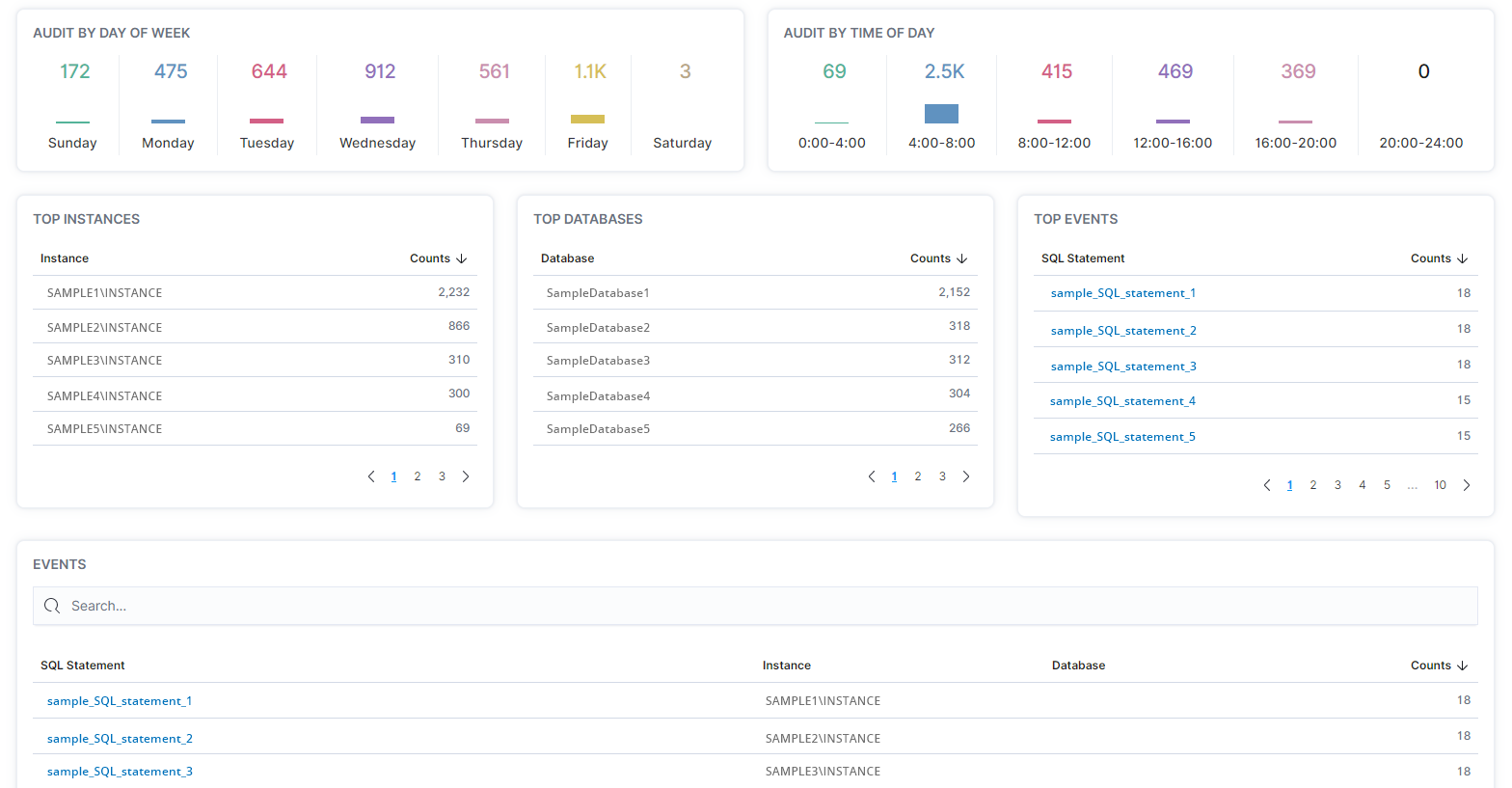
On the Audit - Overview page, users can determine what audit events are occurring, when they are occurring, and where they are occurring.
- In the left-hand Navigation menu, locate the Compliance section
- Select Audit
- Page will default onto Overview
The goal of the Audit - Overview page for Audit is to provide insight into audit events occurring on your system from a high-level view
The Audit - Overview page displays the amount of audit events occurring during days of the week, during times of the day, and the instances, databases, and SQL statements with the highest amount of audit events that occurred.