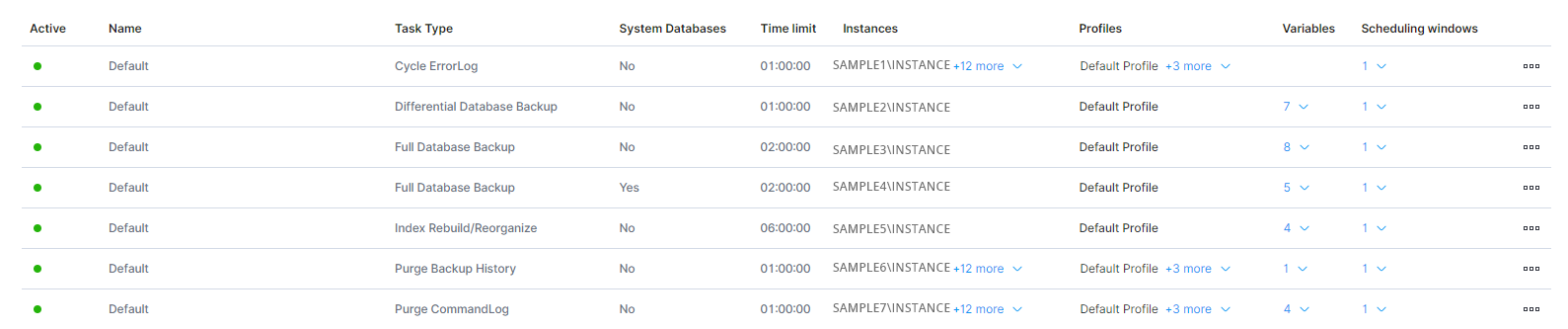
On the Database - Configuration - Template Management page, users can view all templates, the tasks associated to the templates, the instances and profiles that templates are assigned to, template variables and schedules.
- In the left-hand Navigation menu, locate the Database section
- Select Configuration
- Page will default onto Template Management
The goal of the Template Management page for database configuration is to provide details about the configuration of database maintenance tasks
The Database - Configuration - Template Management page displays the template status, task type, max allotted run time, profiles, variables, and scheduling windows.