The Hosts - Details page displays the availability, memory, storage, configuration, and properties of a host.
- In the left-hand Navigation menu, locate the Environment section
- Select Hosts
- On the navigation bar at the top of the page, select Details
- Select the desired host from the filter dropdown menu
The goal of the Hosts - Details page is to provide details about the configuration and performance information of a host
Health
In the Health section, users can determine the availability, alert status, capacity planning, storage performance, and storage capacity of a host.

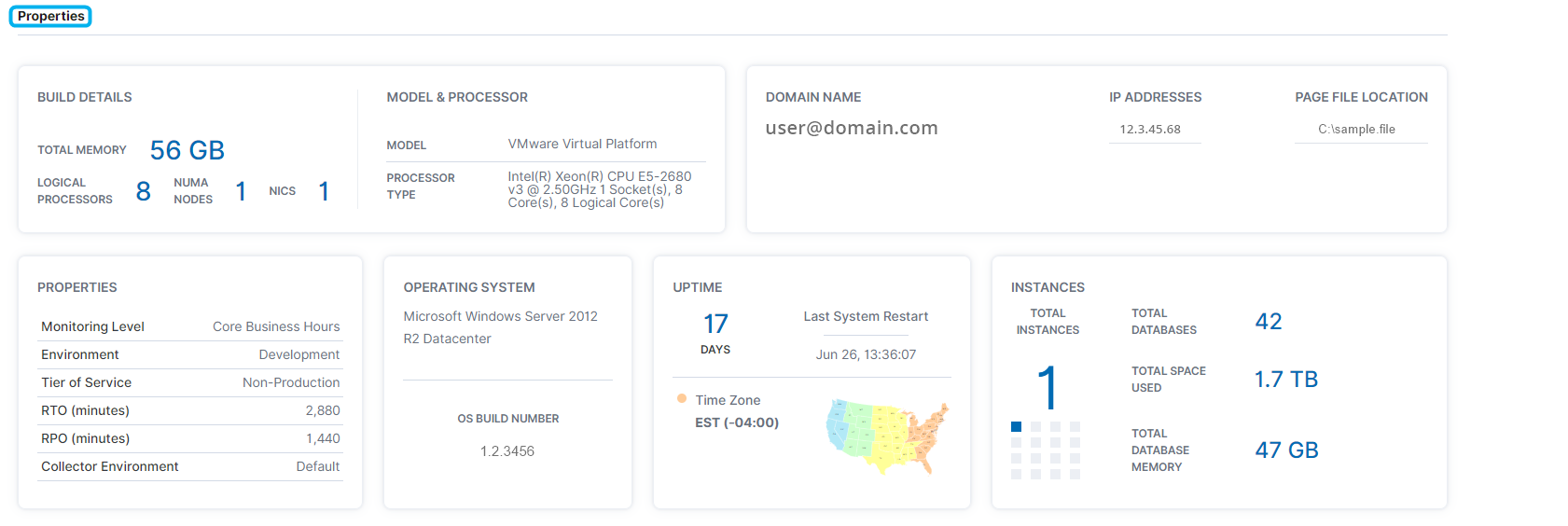
Properties
The Properties section displays build details, model and processor, domain name, IP address, page file location, properties, OS, uptime, and instance information of a host.