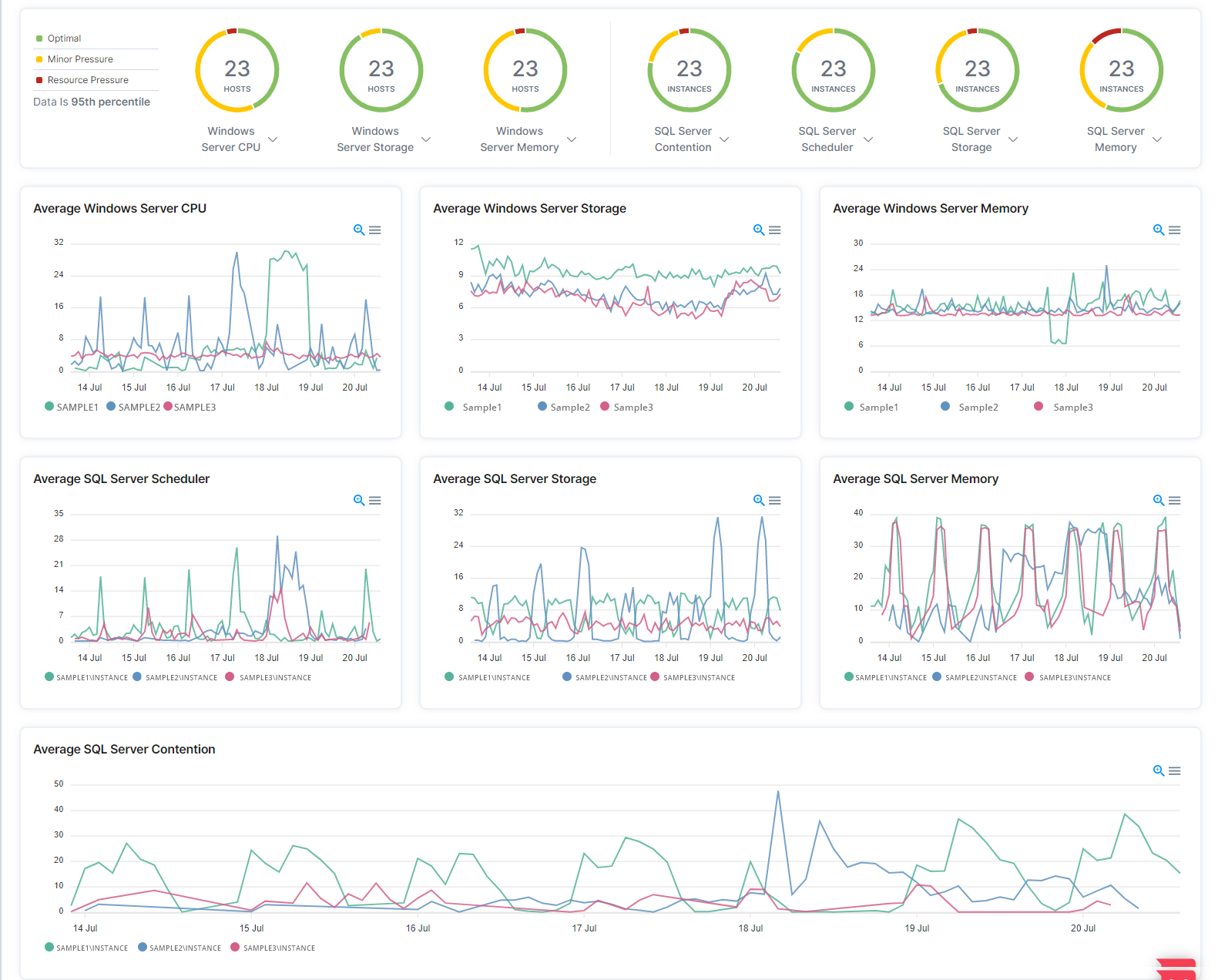
Users can determine the health of their SQL Server resources, platforms, and SQL Server contention. This health is measured by the resource capacity.
1. In the left-hand Navigation menu, locate Monitoring
2. Select Workload Health
The goal of the Overview page of workload health is to provide the user insight into the capacity of the different categories of SQL Server with measurements that are grouped into optimal, minor pressure, and resource pressure.
The Workload Health - Overview page displays categories including Windows server CPU, Windows server storage, Windows server memory, SQL Server contention, SQL Server scheduler, SQL server storage, and SQL Server memory. The line graphs are historical representations of the data in each category.