
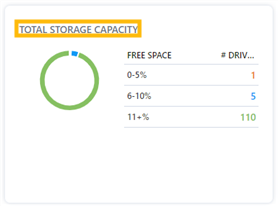
The "Total Storage Capacity" card under Capacity Planning on the "Hosts" page displays all hosts' storage capacity across an enterprise.
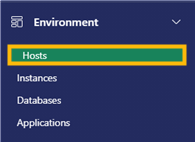
1. In the Environment section in the Navigation menu, select "Hosts".
2. "Total Storage Capacity" board lists free space and the number of drives.
3. Click on a number to view the list of hosts, drives, total sizes, and free size that are included in that number. Click on the number again to collapse the list.
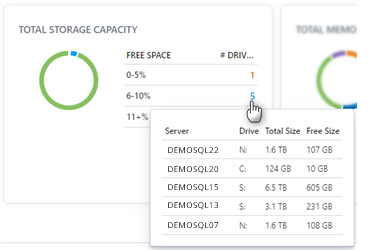
Note: Number colors correspond to the colors of the circle icon on the left. Hover over the circle icon to see the corresponding information listed on the right side of the card.