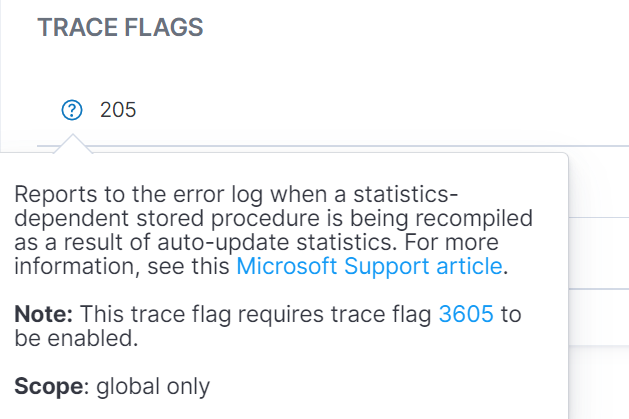
Use Trace Flags to Find and Diagnose Performance Issues within the Environment using the Instance - Details Page
1. In the left-hand Navigation menu, locate the Environments section
2. Select Instances
3. Select the Details tab
The goal of Trace Flags is to diagnose performance issues.
In the Properties section, users will find a Trace Flags/Installed Components card. This card displays any trace flags that are running within the selected environment.
Note: User must have at least one Instance selected from the filter.
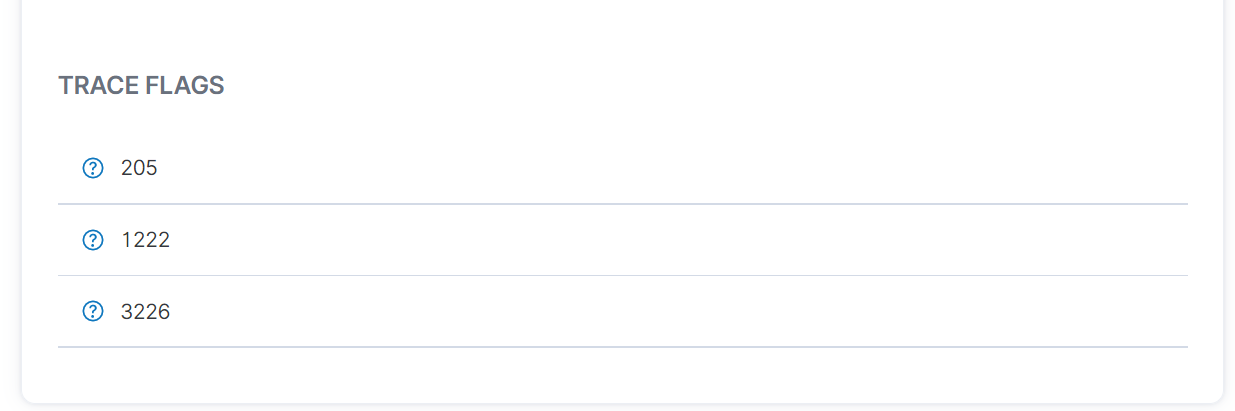
Note: Click the "?" icon to view more details.