
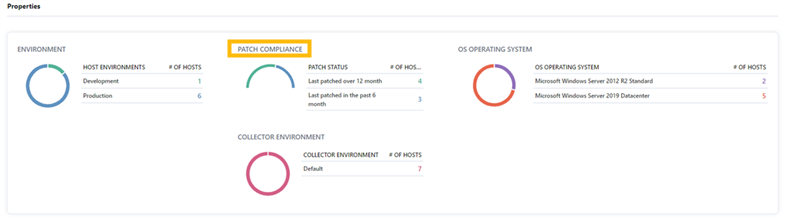
The "Properties" section on the "Hosts" page displays patch statuses as well as the total of hosts that are relevant to the patch.
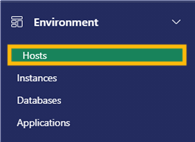
1. In the Environment section in the Navigation menu, select "Hosts".
2. The "Properties" section near the bottom of the page displays patch compliance and the number of hosts in relevant to the patch within the "Patch Compliance" section.
3. Click on a number to view the list of hosts, and the last patch date and time of the hosts. Click on the number again to collapse the list.
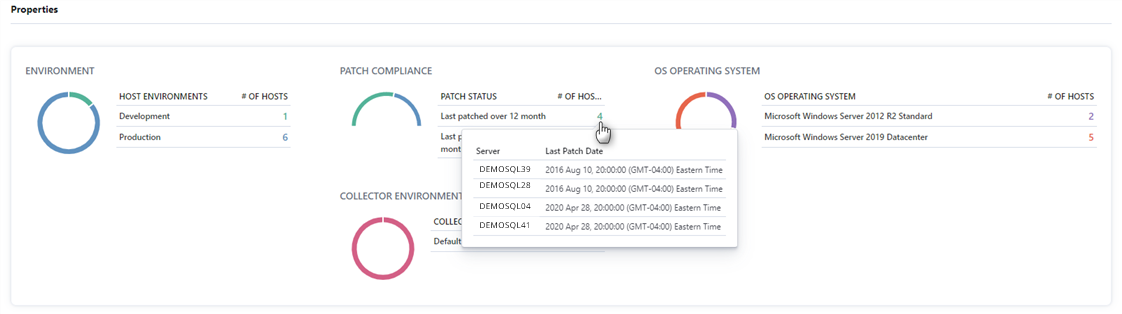
Note: Number colors correspond to the colors of the circle icon on the left. Hover over the circle icon to see the corresponding information listed on the right side of the card.