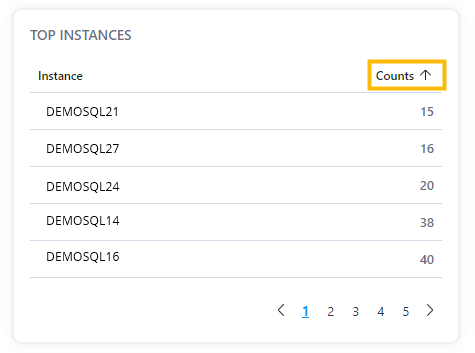
The Audit page displays a list of "Top Instances" by audit event counts.
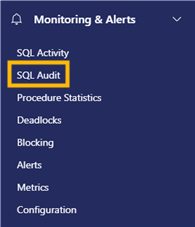
1. Expand the "Database" section in the Navigation menu and select "Audit".
2. The "Top Instances" card is located in the middle of the page on the left-hand side and lists top instances of Audit events by counts. 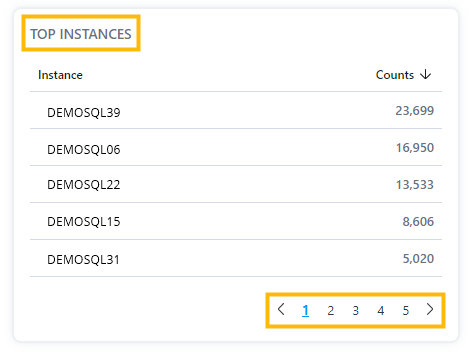
Note: Top Instances lists may have multiple pages which can be viewed by clicking on the page number or by clicking on the page forward and page back arrows.
3. The list default sort order is by descending audit event counts. To sort "Top Instances" counts by ascending audit event counts, click on "Counts" until the up arrow appears. To sort by descending audit event counts, click on "Counts" until the down arrow appears.